PLATFORM TOUR
Ministers and Ministry Leaders.have been frustrated with having understaffed ministry teams. They ask friends and family to help, they put information in bulletins, weekly newsletters, overhead slides showing prior to services. The response is generally minimal, adding to the frustration leaders experience.
This video shows how GiftMatch360 solves the breakdown. Members that know their gifts, what they do, and how to use them. Ministers and Ministry Leaders list all opportunities into a system that recognizes the gifts needed. The Matching Engine finds all members and opportunities with matching "gifts. Ministry Leaders send invitations to people gifted for the service roles instead of having to call or meet the person to ask them. The member receives the invitation to serve, instead of seeking and searching how to get involved, no awkward conversations.

GiftMatch360 Solutions: System Framework
The GiftMatch360 system is designed to assist church members discover their top Spiritual Gifts, develop those gifts by learning more about what they are, why they're important, and how they can be used, and deploy the gift-aware member into service opportunities in the church for the benefit of the body.
Your church likely has most of the servants needed to reach your community and beyond. Many inactive members reported they didn't know what they could do. Without any idea of what they could do, they didn't blindly step out to serve for fear of failing. No knowing often led to not recognizing opportunities to serve.
The Problem: 80/20 Issue
GiftMatch360 is built to help churches and Christian organizations to overcome the 80/20 problem. Get to know GiftMatch360 and how it can help overcome 5 barriers.
Member didn't know what is available
Too Busy
There is No Room for Them
Afraid They Won't Fit In
They've Disengaged and No One Noticed

Active Members Understand Stewardship
Researchers have reported that people who are actively serving in a church are more likely to be financially supporting the church through tithes and offerings. Moving members that are on the sideline into service is an important way churches can strengthen their budget. Meaning more Kingdom impact in your community and statistically more likely to be a financial contributor and not simply a consumer.

Secure Church Specific Login
GiftMatch360 requires a church subscription. Each church will have a "Church Number" that will be used to direct your member to the correct access point. See the video to learn how this works.
Admin adds member to GiftMatch360 and selects "Save and Send Assessment Invite"
Member receives email with link to secure gateway to take the Spiritual Gifts Assessment.
Member completes the assessment, results are calculated by GiftMatch360 and automatically creates a Participant Portal for the member, along with credentials to log in.

GiftMatch360 User Guide
When you need help, the User Guide is easy to find. The video provide more details. The User Guide link is in the header, between the GiftMatch360 logo and the Log in / Log out button

Add Individual Member — Using +ADD MEMBER Button
In this video, we'll show you how to add an individual new member to the system using the Add Member button.

Add Group of Members —Using IMPORT
Do you need to add a lot of members at once? The Import feature lets you upload a whole group in one step.

ADMIN Dashboard
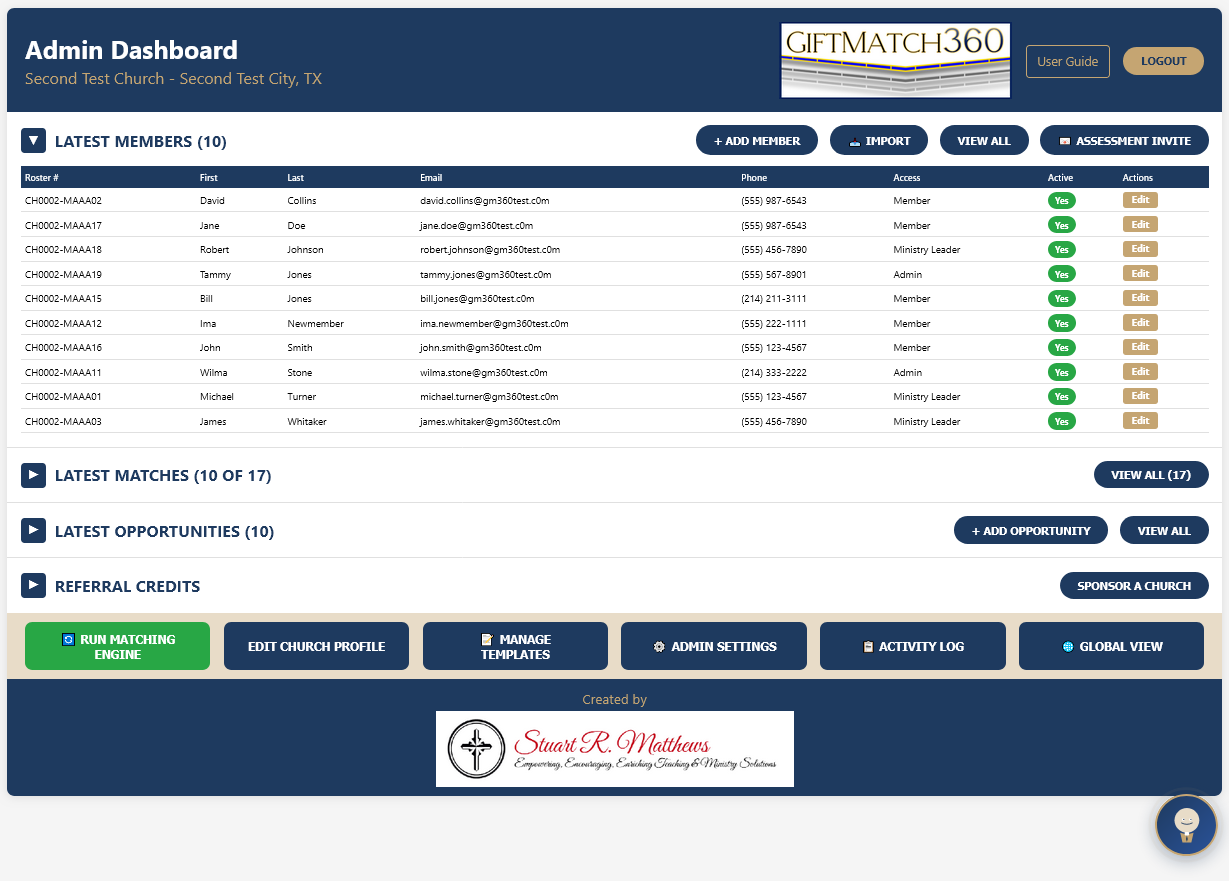
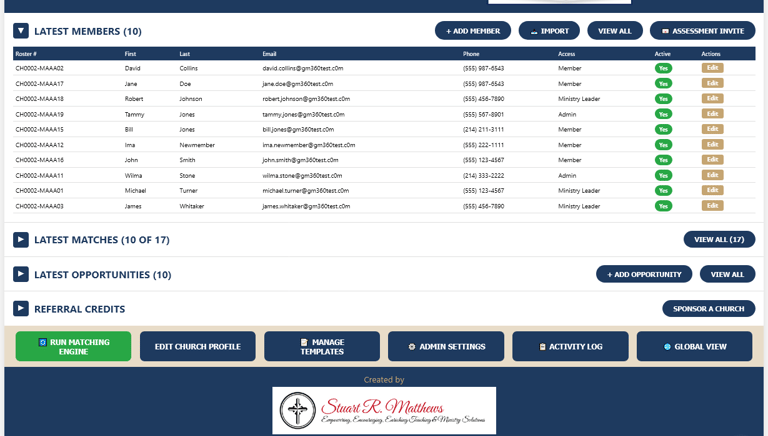
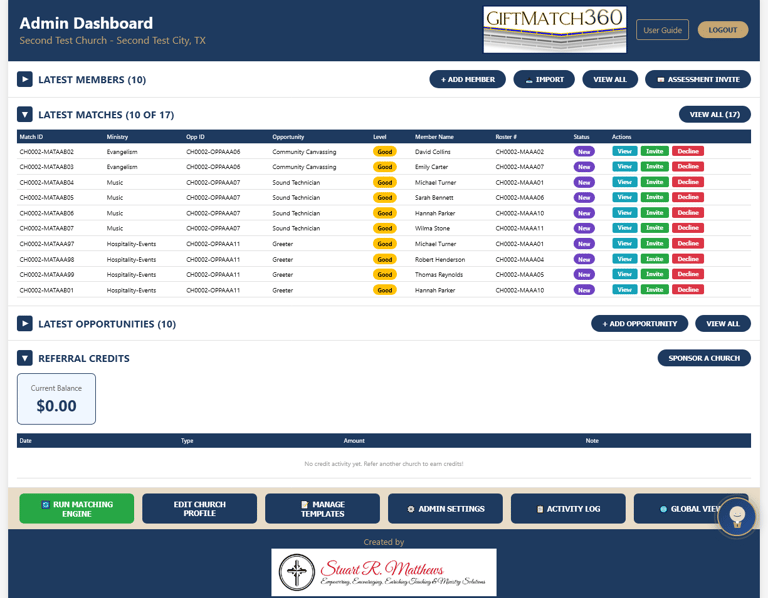
The ADMIN Dashboard is similar to the Control Tower at a large airport. The Admin (or Admins, as there can be more than one) has full view (and edit capabilities) of every department's opportunities (Ministry Teams). The Dashboard has 4 instant view sections that can be hidden to focus on the information needed. The top section provides a quick view of the Latest Members, the ten most recent members added to the church's GiftMatch360 service. Each member's record can be edited by an Admin by selecting the "Edit" button on the right-hand side of the screen.
Above the Members section, "View All" opens an indexed view of all members in the GiftMatch360 system.
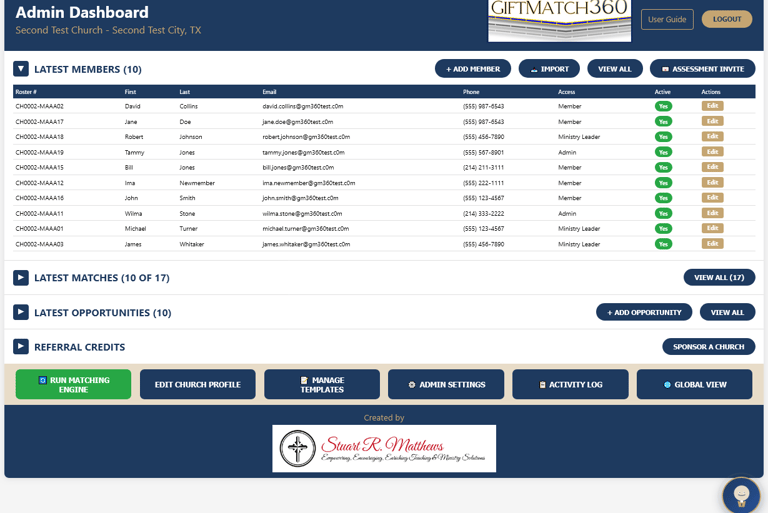
Admin controls at the bottom of the dashboard:
Run Matching Engine: Instant engagement of Matching Engine
Edit Church Profile: Upload/update church logo, change contact information of Church Admin (Different role than "Admin", this individual receives weekly reports and is the contact person for the church regarding the GiftMatch360 subscription.
Manage Templates: Makes changes to Opportunity templates.
Admin Settings: Re-send Assessment Certificate, Reset Member Access Key, Re-send Member Credentials, Change Church Admin Password, Export Member, Matches, and Opportunities to CSV file, Manage Delegate Access.
Matches & Opportunities
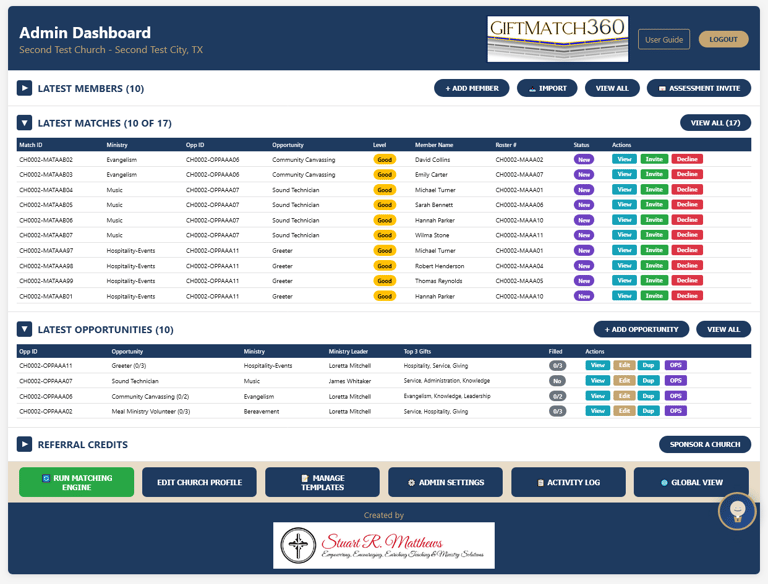
Below the Members section are the Matches and Opportunities view.
The Latest Matches show the ten most recent matches.
This view includes the "Opp ID" so the Admin can locate the exact ministry team the member has matched up with.
To view all matches, the "View All" button above the Matches header bar.
Below Matches are the Latest Opportunities added to the system.
The Admin has access to view and edit each Opportunity, confirming the correct opportunity's Opp ID.
To see current activity in the Opp ID, click on OPS,
To view the team roster, messages, and the 3 Spiritual Gifts listed for the opportunity.
Referral Credits and Admin Controls
Churches receive $100 referral credit toward their next subscription renewal, so share with members and leaders of other churches. Referring one church a month would earn enough referral credits to cover the standard subscription for the next year. (Referral credits only for churches that use the Annual billing plan. No referral for churches that cancel before the 12-month subscription has completed.)
Complete View of Every Team in Every Department
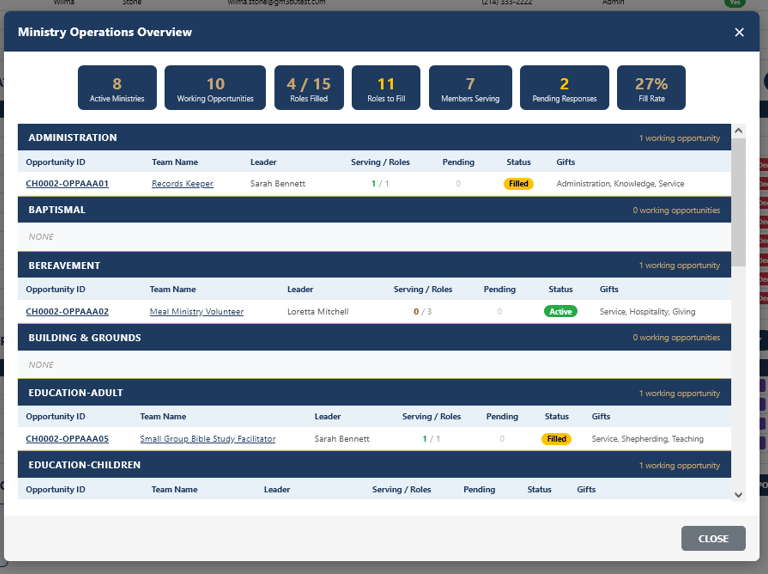
Selecting the Global View button opens the Ministry Operations Overview that provides the Admin with a church-wide view of each ministry team in each department. At a glance, if teams are needing additional members to fill out their team, a red number will show in the "Serving" column.
In this view, the Admin can click on the Opportunity ID to see Requirements and Details, Tasks, and Member Roster of all matches, Level, and Status (Accepted, Invited-Pending, Not Yet Invited, Declined).
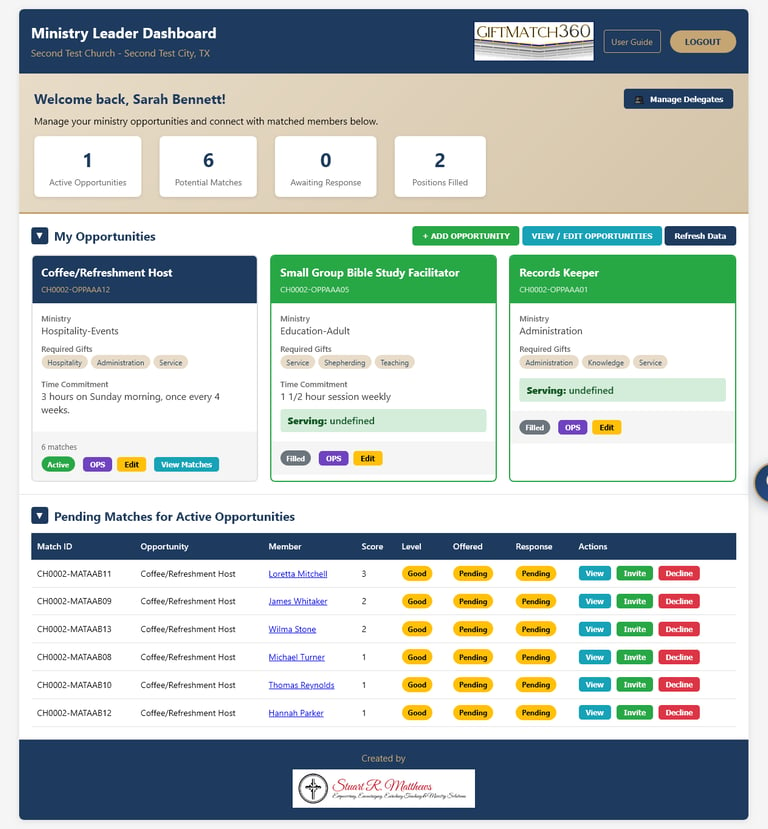
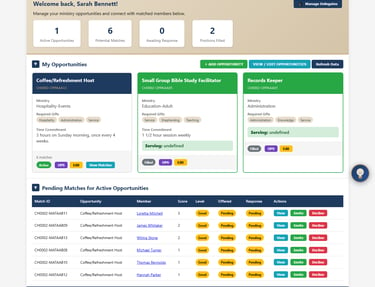
Ministry Leader Dashboard
Ministry Leaders are the front line manager of ministry teams throughout every department of the church. These leaders can have more time guiding their teams and less time trying to find more help. With 24/7 access to the Ministry Leader Dashboard, they can send requests for more help on established teams and create new ministry teams with mixed-role rosters.
Mixed-Role Ministry Teams: Like most sports teams, there are different specialized positions. The same design can help create stronger, more effective teams.
Ministry Leader
Administration - turning vision into systems and people into sustainable ministry.
Leadership - sets direction and motivates others to work together toward Kingdom goals
Servant - identifies practical needs and meets them with joy and dedication.
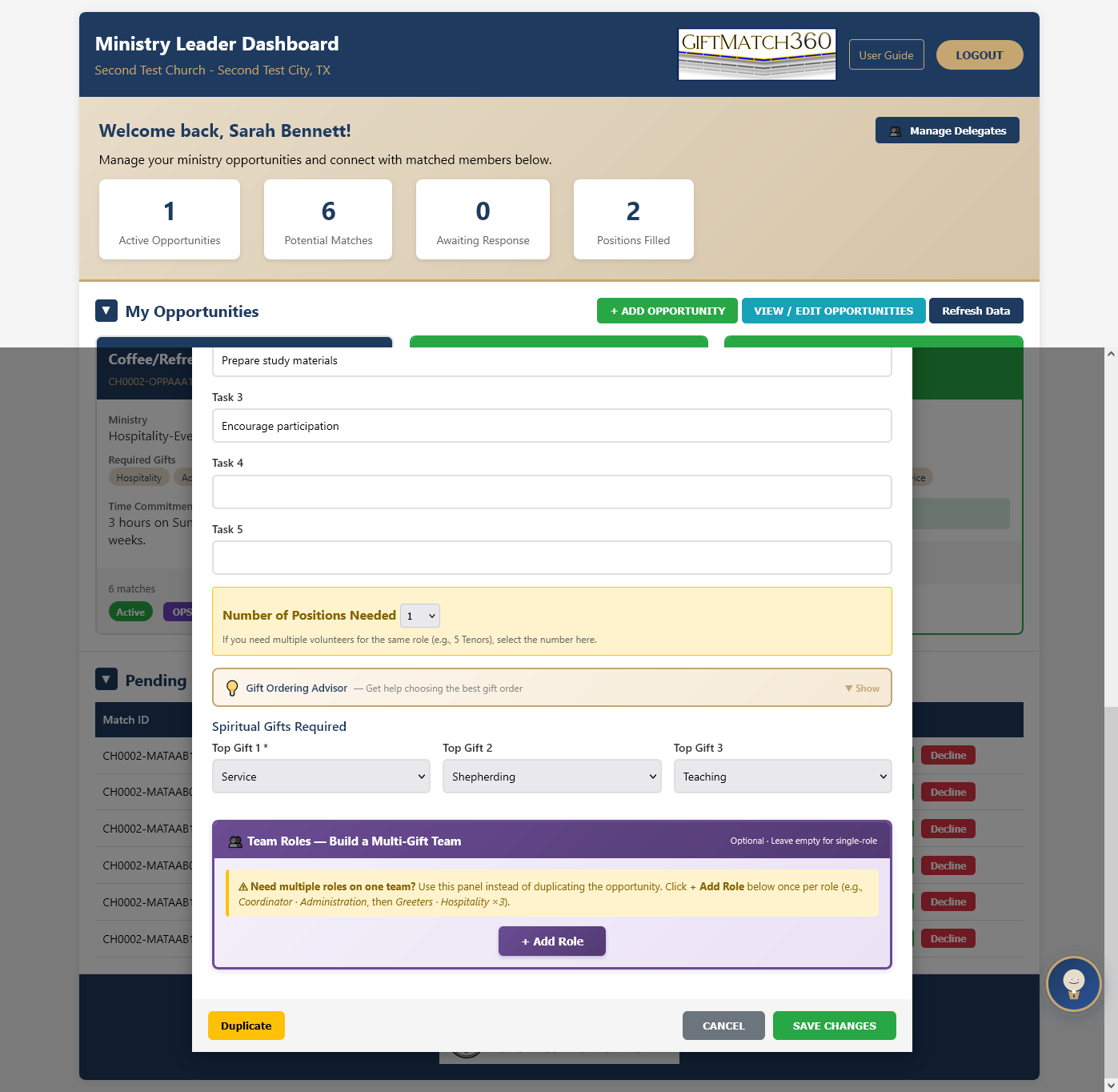
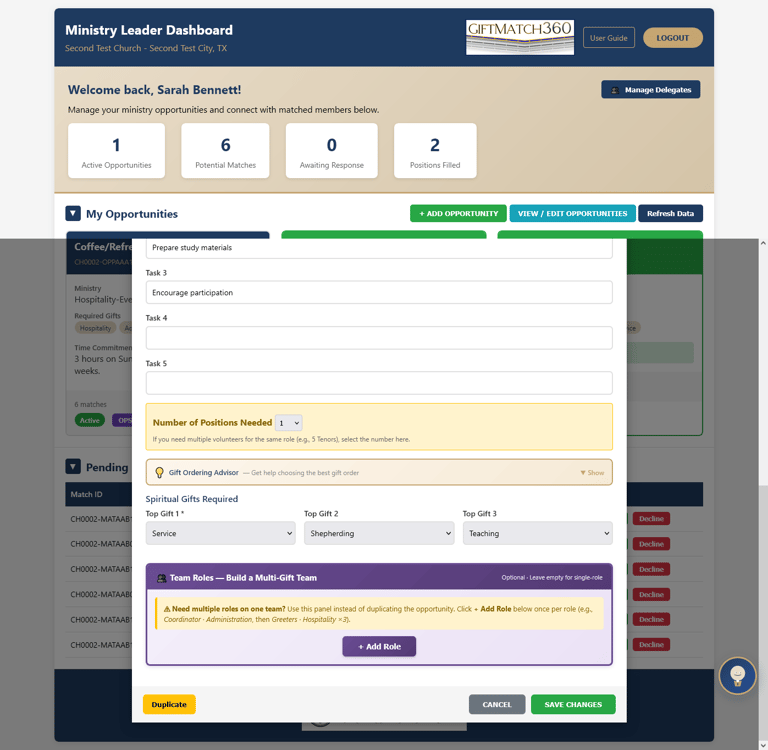
Giftmatch360 provides an intuitive process to craft customized ministry teams that maximize
Ministry Leader Dashboard
Ministry Leaders are the front line manager of ministry teams throughout every department of the church. These leaders can have more time guiding their teams and less time trying to find more help. With 24/7 access to the Ministry Leader Dashboard, they can send requests for more help on established teams and create new ministry teams with mixed-role rosters.
Mixed-Role Ministry Teams: Like most sports teams, there are different specialized positions. The same design can help create stronger, more effective teams.
Ministry Leader
Administration - turning vision into systems and people into sustainable ministry.
Leadership - sets direction and motivates others to work together toward Kingdom goals
Servant - identifies practical needs and meets them with joy and dedication.
Giftmatch360 provides an intuitive process to craft customized ministry teams that maximize
Ministry Leader Dashboard - Team Communication
Communication is important for ministry teams.
GiftMatch360 provides ministry teams with a chat, devoted to their team.
No juggling multiple messaging services
Centralized communications keep the ministry team on the same page.
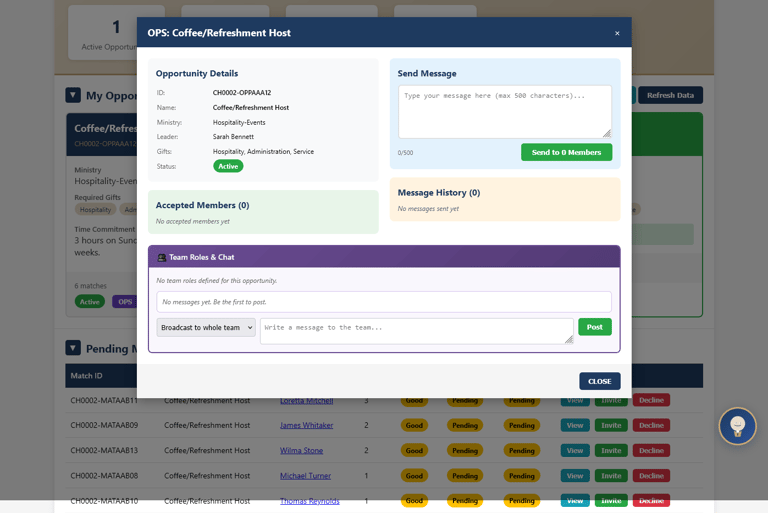
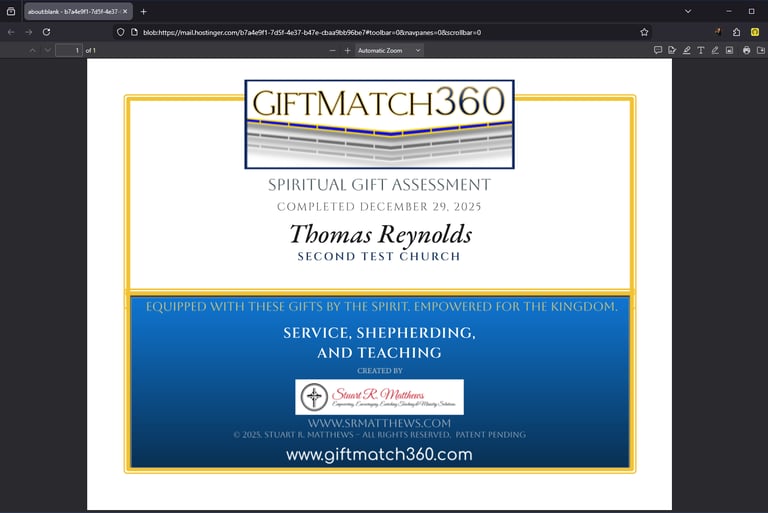
Participant Portal - Spiritual Gift Assessment Certificate of Completion.
GiftMatch360 recognizes that DISCOVERING their gifting is important, as it helps the member answer the internal question of, "what does God want me to do?".
The Certificate reminds the member, they are equipped with these gifts by The Holy Spirit. Empowered for the Kingdom.
Participant Portal
Every member and staff must have a Participant Portal for GiftMatch360's automation to function properly.
The GiftMatch360 Matching Engine draws information from the Participant Portal
All Messaging uses the Participant, Ministry Leader, Admin roles to precisely
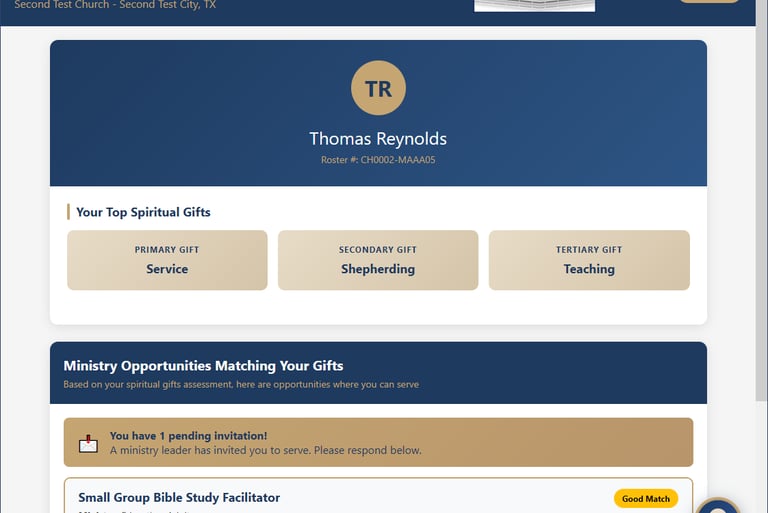
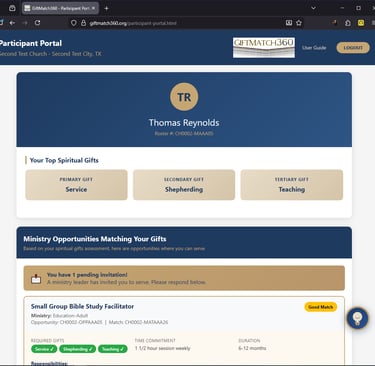
The Portal displays the member's top 3 Spiritual Gifts
In the center section the Portal will show:
Invitations to join a ministry operation team
Provides details of the role
Action buttons to accept or decline an invite.
Participant Portal - Service / Message History
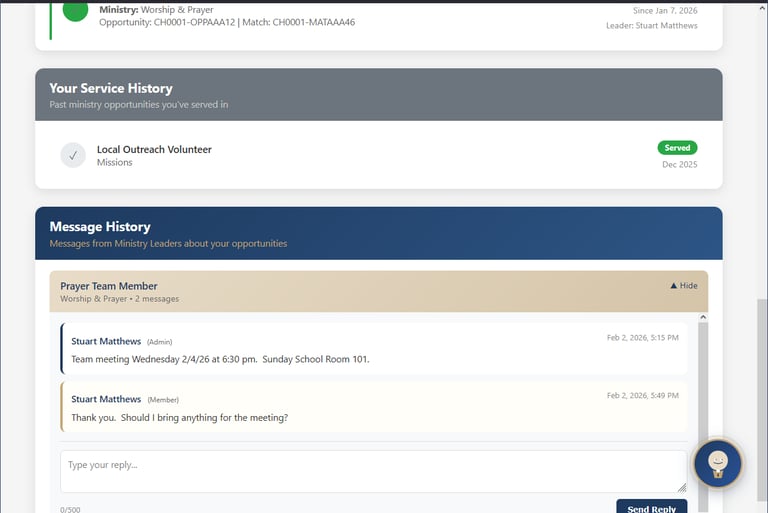
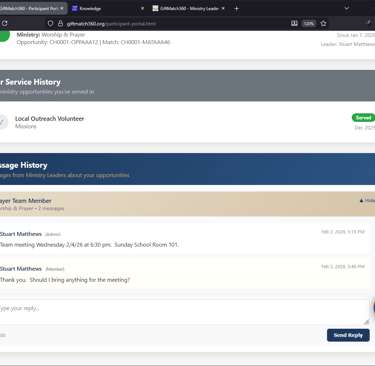
The Portal displays any current opportunity that the member is serving in.
The lower section provides the member's Service History, with Role, Department, and when they served.
GiftMatch360 provides ministry teams with a chat, devoted to their team.
As with the Admin and Ministry Leader Dashboards, there is no juggling multiple messaging services
GiftMatch360's centralized communications keep the ministry team on the same page.
Opportunity Matching Invites
GiftMatch360 is built to bridge the chasm of anxiety for both the member and the Ministry Leader.
The member receives an invite when their gifting is what the opportunity role needs. The member already knows it is a "Yes" from the ministry leader, they want you on the team.
The Ministry Leader doesn't have to drop all they are doing to personally search out and convince another member to come help them in the ministry opportunity they are leading. GiftMatch360 does the search and returns the top matching candidates, ranked by how strong the match is.
Good: One matching gifts
Better: Two matching gifts
Best: Three matching gifts
GiftMatch360 looks even further and ranks the best matched by considering if the most needed gifts for the role, is the top gift of the member. If the member's gifts ranked 1,2,3 and the role is the same 1,2,3, this is the absolute best match. No searching needed.
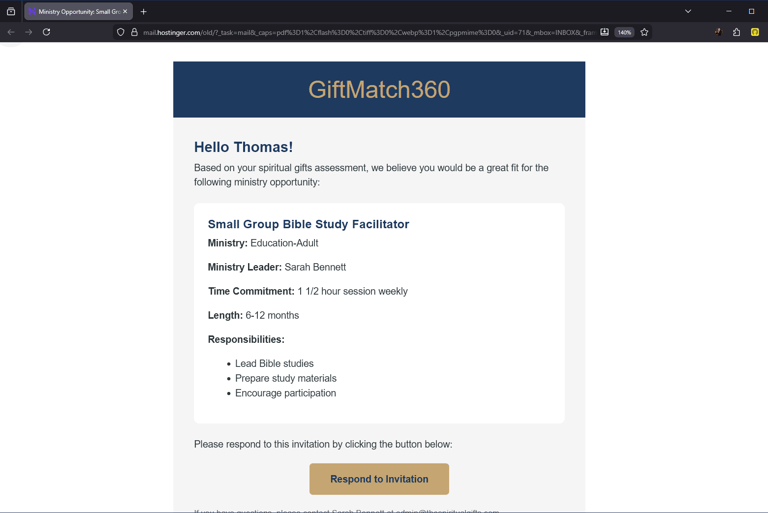
The Invite comes by email to the member like the sample displayed, showing:
The name of the role
what department it serves in
who the ministry leader is
the time commitment needed for the role
list of some of the responsibilities the role covers.
"Respond to invitation" button is possibly the best button in the whole system.
Member clicks on the button
member has the control of saying yes or no
Ministry leader gets response instantly
No awkward face-to-face anxiety.
GiftMatch360 is the matchmaker, Sigh of relief!